
CleanserEditorially checked
Green Tea Amino Acid Cleansing Foam
InnisfreeVerify the current Cleanser identity, label, and source status before deciding.
Green Tea + Amino Acid Complex

Cleanser category guide
Choose Korean cleansers by routine role, format, texture, and what you need to remove at night or during travel.
Answer in brief
Start with what the cleanser must remove, then compare exact oil, balm, micellar, milk, gel, foam, powder, or bar products by application and rinse directions. A category name cannot prove that a cleanser is universally gentle, strong, or necessary for a two-step cleanse.
| Decision | Choose by | Verify now |
|---|---|---|
| Removal job | List the exact sunscreen, makeup, and other layers worn on a typical day. | Application area, dry or damp use, emulsifying, wiping, and rinse directions. |
| One or two cleansers | Add a second step only when it has a distinct documented job. | Both product labels and the actual removal result, not a fixed step chart. |
| Travel handling | Compare solid, tube, pump, and decanted options by trip context. | Container closure, size, airport rules, and current packing requirements. |
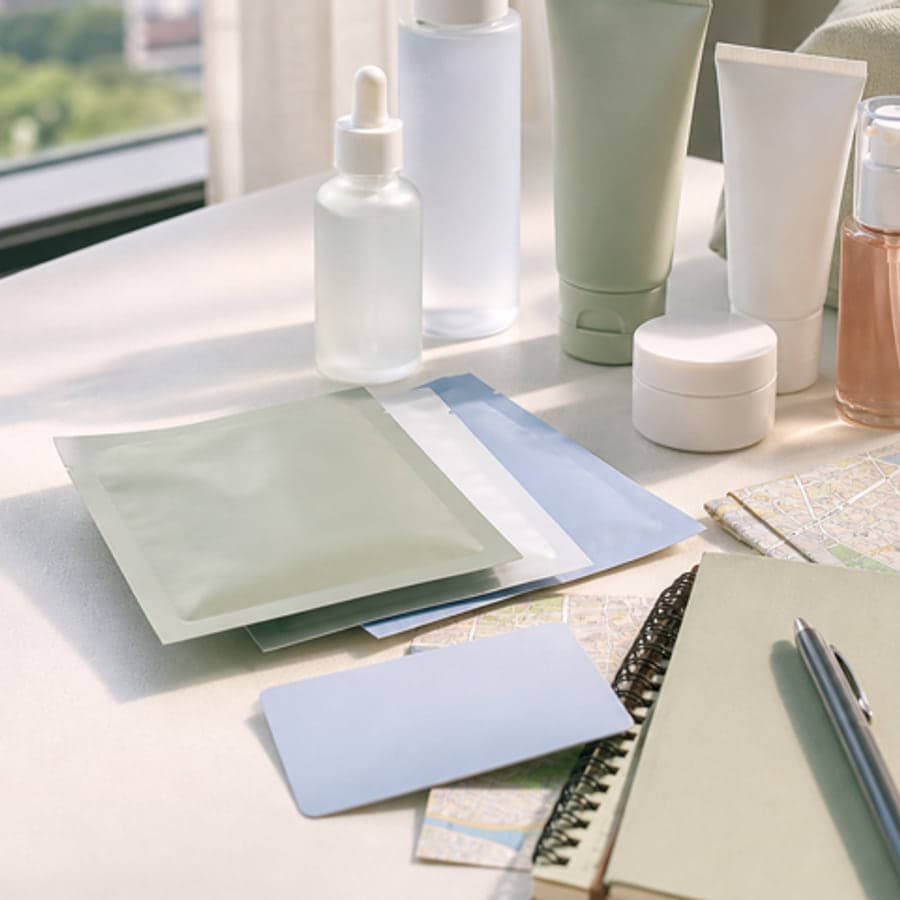
Category role
Routine reset step. Match cleanser format to sunscreen, makeup, travel, and comfort needs.
Night cleansing usually depends on sunscreen and makeup use.
A cleanser is not a leave-on treatment step.
Travel cleanser choices should account for packaging and luggage limits.
Foam cleanser vs gel cleanser
Daily cleanser vs travel-size cleanser
Single cleanse need vs double-cleansing context
These profiles are editorial shopping checklists, not live stock, price, rating, or retailer availability feeds.
Verify the current Cleanser identity, label, and source status before deciding.
Green Tea + Amino Acid Complex
Verify the current Cleanser identity, label, and source status before deciding.
Soybean Oil + Ginseng Seed Oil
Verify the current Cleanser identity, label, and source status before deciding.
Deep Sea Water + Panthenol
Verify the current Cleanser identity, label, and source status before deciding.
Tea Tree Leaf Oil + Betaine Salicylate
Verify the current Cleanser identity, label, and source status before deciding.
Snail Secretion Filtrate + Panthenol
Verify the current Cleanser identity, label, and source status before deciding.
Centella Asiatica Extract + Sunflower Seed Oil
Verify the current Cleanser identity, label, and source status before deciding.
Heartleaf Extract + Plant Oils
Verify the current Cleanser identity, label, and source status before deciding.
Hyaluronic Acid + Panthenol
Use these Product A vs B pages when the category choice depends on texture, routine overlap, or a specific brand lane.
These fill different jobs: SKIN1004 is an oil cleanser for a first cleanse, while Round Lab is a water-based gel-to-foam cleanser.
Compare productsBoth are oil cleansers for a first-cleanse role; compare heartleaf versus centella product-family preference, oil format, and current labels.
Compare productsBoth fill a water-cleanse role: compare COSRX's snail gel format with Round Lab's gel-to-foam format, ingredient preferences, and current labels.
Compare productsBoth fill a water-cleanse role: compare Torriden's foam format with Round Lab's gel-to-foam format, product-family preference, and current labels.
Compare productsShowing 4 of 4
Shopping
Choose a Korean cleanser for an oily-skin preference by defining the removal job, comparing gel, foam, and oil formats, and checking the current label conservatively.
Related guide
Comparison
Decide whether one cleanser can handle the day's layers or oil and gel cleansers have two distinct removal jobs, based on exact directions rather than a fixed rule.
Related guide
Shopping
Compare Innisfree Green Tea cleanser and serum profiles by wash-off versus leave-on job, exact current formula, directions, package, version, and routine overlap.
Related guide
Shopping
Choose a Korean cleanser by defining the exact removal job, comparing oil, balm, gel, foam, cream, and water formats, and verifying current directions.
Related guide
Planner
Start with one shopping mission, then move through routine, route, scorecard, and retailer verification checks.
Manual beta
Use the manual beta when a free checklist is not enough for a routine, Seoul trip, or checkout decision.
Scorecard
Compare role, texture, label details, seller checks, travel fit, and final decision.
Routine
Map skin type, category, and routine role before adding another product step.
Shortlist
Keep product candidates and verification notes in this browser while comparing options.